


E/M interactive worksheet: Help guide
The E/M interactive worksheet is designed to assist only with identifying the appropriate level of service defined by the work documented as rendered using the CMS documentation guidelines for E/M services.
The interactive worksheet must be used in conjunction with the patient’s medical record, the CPT manual, the CMS E/M guidelines for 1995, 1997, and/or AMA CPT E/M Code Guideline Changes for 2021 (effective for Office and other outpatient visits for dates of service on and after January 1, 2021) and/or the E/M Code and Guideline Changes for 2023 (effective for other E/M visits for dates of service on and after January 1, 2023). Other factors must be considered before arriving at the final code reported to Medicare (i.e., medical necessity and removing from the scoring any documented services reflective of separately reported preventive services and non-relevant documentation).
The E/M worksheet is designed to function based on the date of service for E/M visits. The date of service entered before making additional selections will be a determinant of options available for identifying a corresponding level of service. If the date of service is on or after 1/1/2023, the worksheet options are based on the AMA guidance to determine the level of E/M service performed. If the date of service is prior to 1/1/2023, the worksheet options are based on the 1995, 1997 E/M guidelines for E/M visits other than office and outpatient visits.
Preparing the E/M interactive worksheet
Step 1: Date and legible signature
Before accessing the interactive worksheet, answer the question, “Does the documentation for service(s) billed include the date and legible signature of the rendering provider?”
If the response is yes, move to step 2.
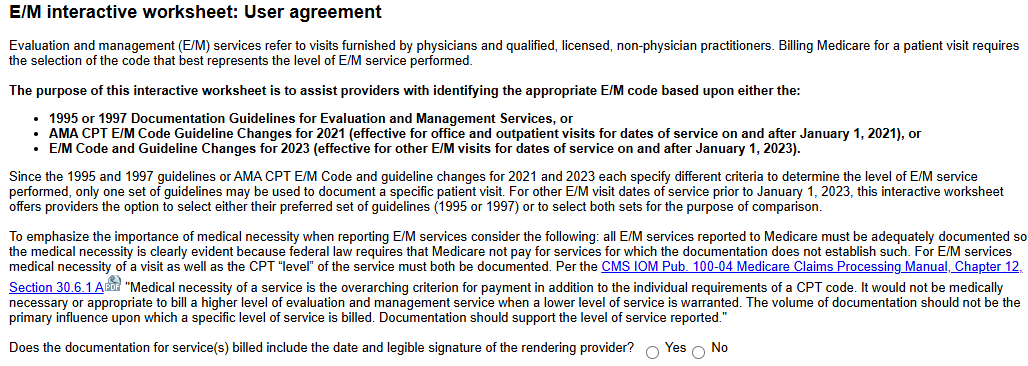
If the response is No, the message below will appear.
Please review CMS signature guidelines, CMS IOM Pub. 100-08, Chapter 3 section 3.3.2.4 .

Step 2: User agreement
Click 'Accept' to acknowledge the terms of the user agreement to proceed.

 Information icons indicate additional information is available. Click on the icon to display the information.
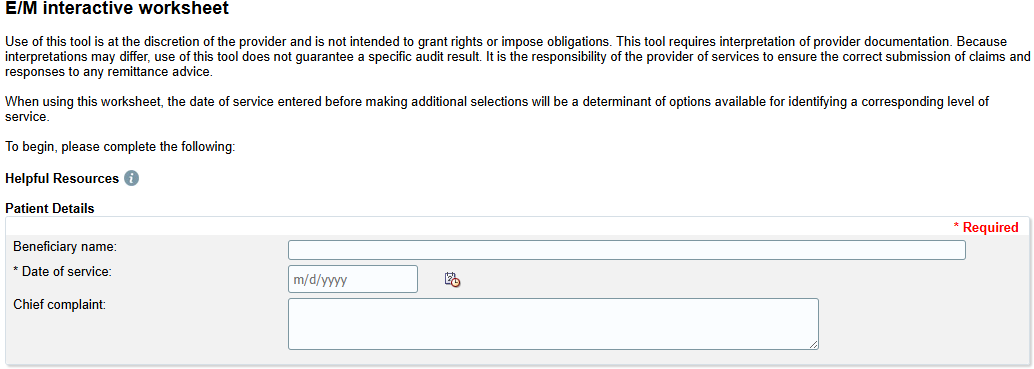
Here is an example of the information icon expanded for Helpful Resources which displays resources that can easily be accessed.
Step 3: Time
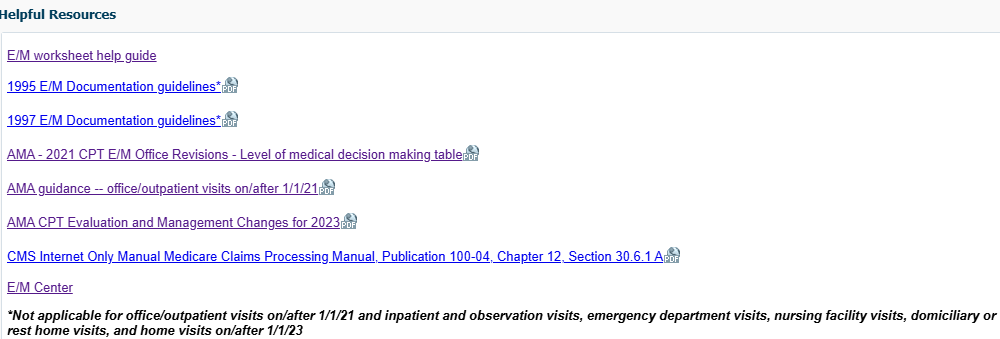
Time – Select the entry method for time. Session start/end calculation vs total time. Information icon displays additional information: “Time may be documented or recorded as multiple entries that will be aggregated for that date of service or in a free-form manner combining all with a single entry."
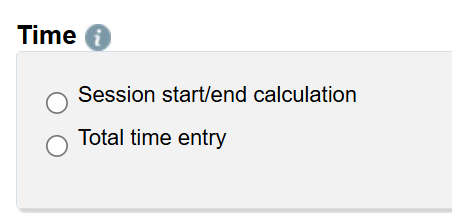
Select "Session start/end calculation" to enter specific clock time increments.
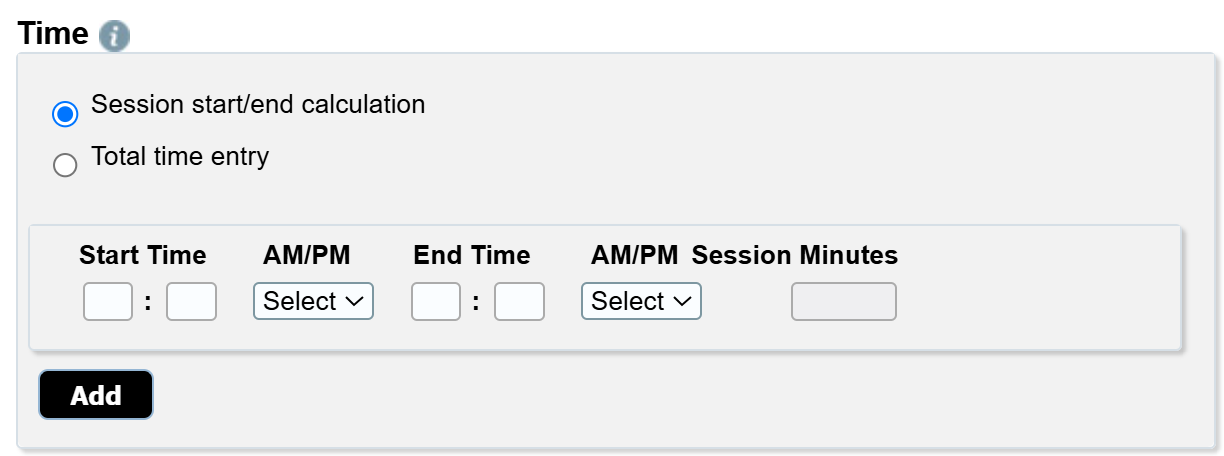
Enter start and stop time, multiple entries may be entered.
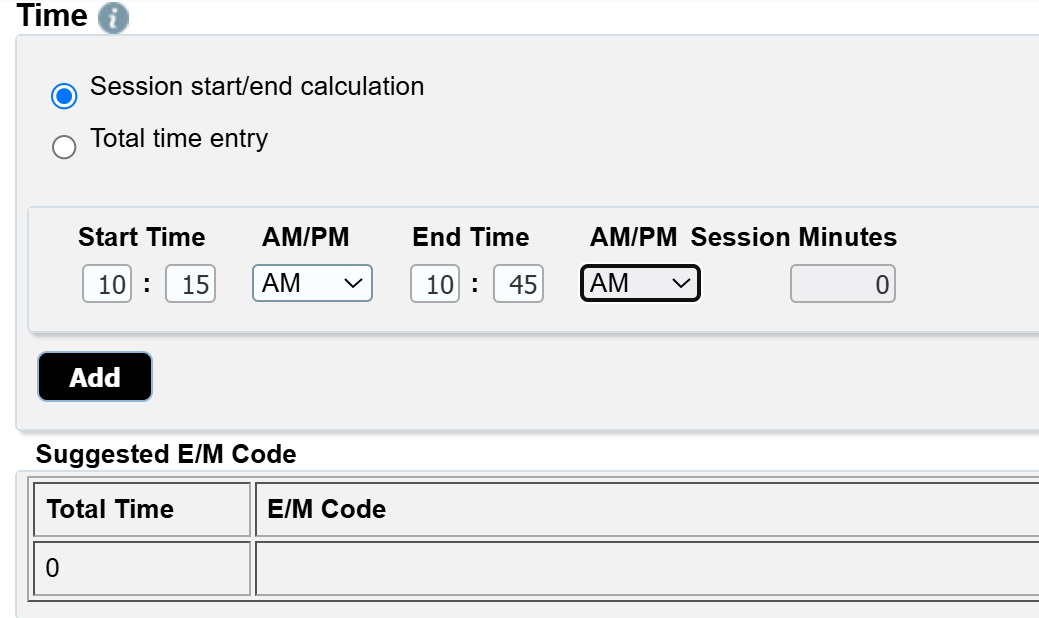
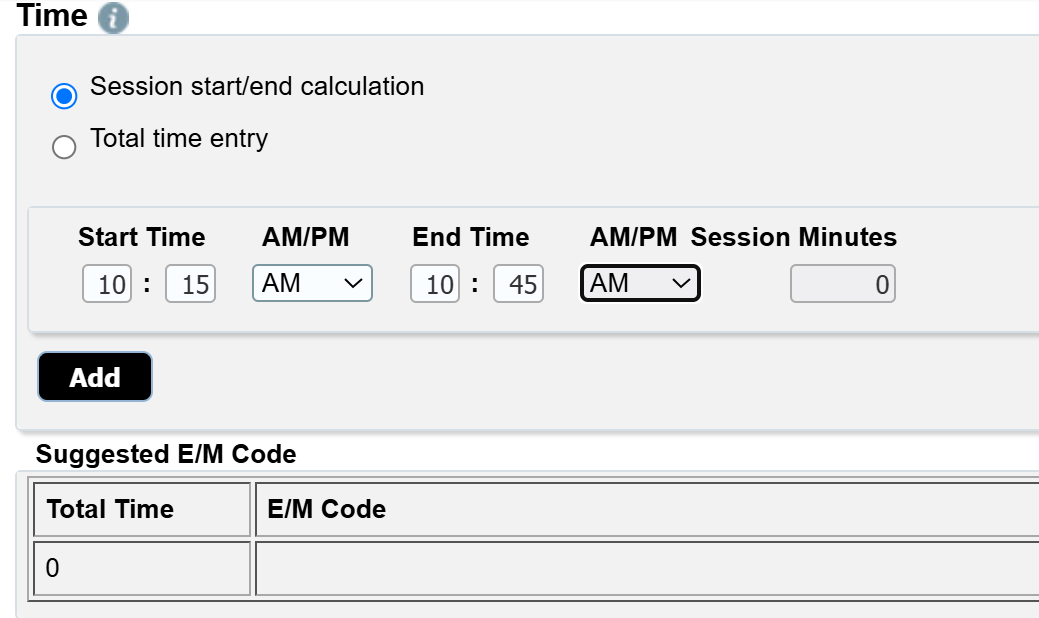
Time may be deleted and reentered if corrections are needed. Total time and suggested E/M code will be displayed.
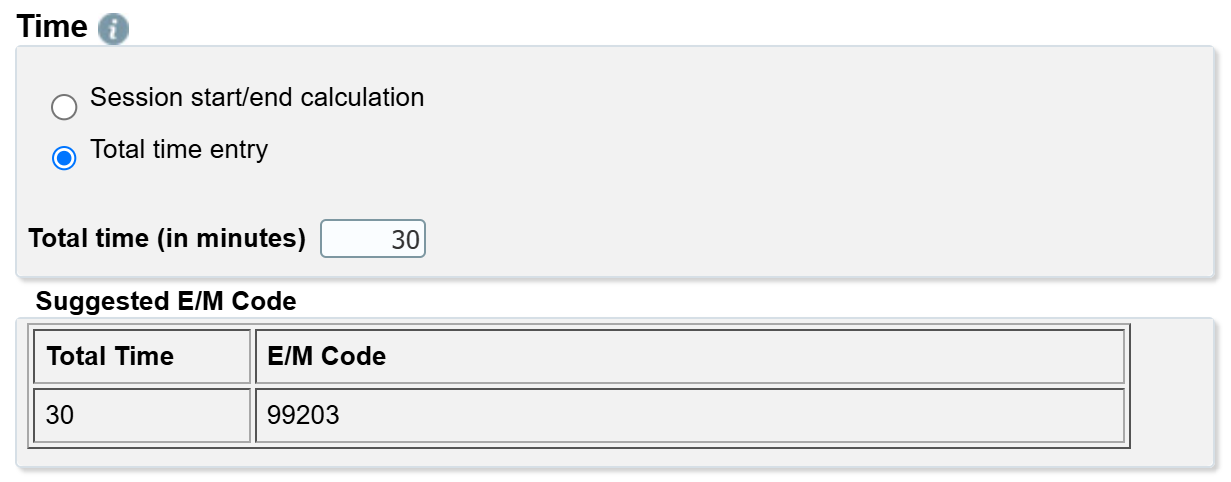
If "Total time entry" is selected, enter the total minutes. Suggested E/M code will be displayed.
Step 3A: Medical decision making for Office and other outpatient visits and other E/M visits for dates of service on/after 1/1/2023
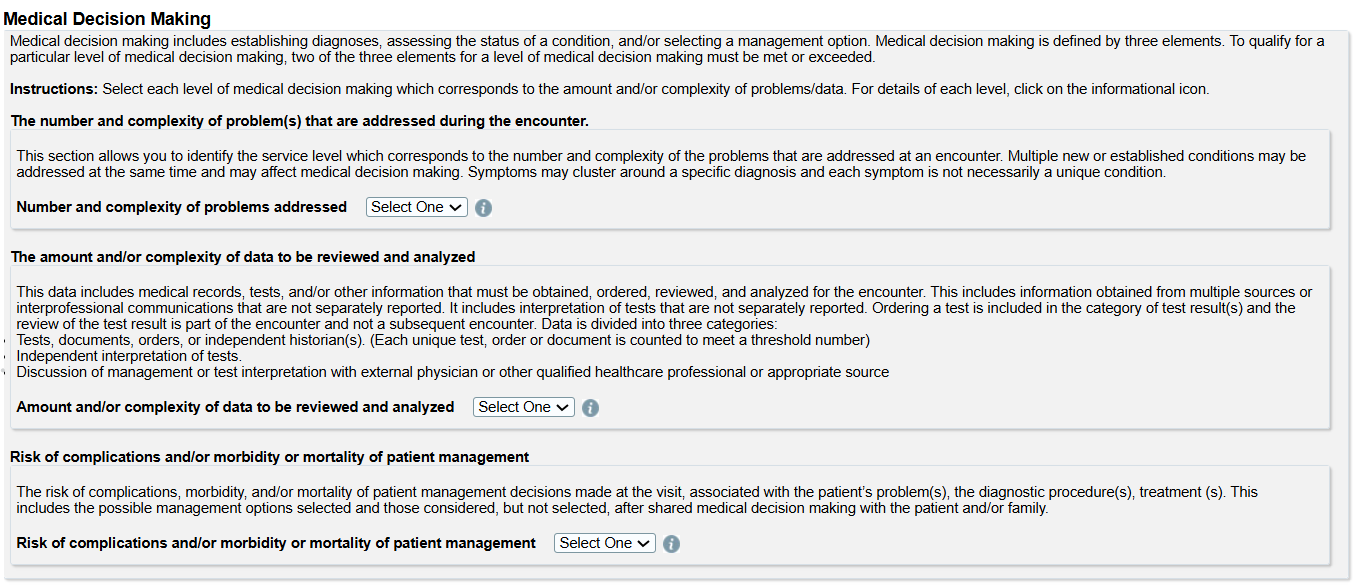
Medical decision making (MDM) – Select the level of each component of medical decision making.
Note: To assist with selections, a link to the AMA table for that specific section along with details for each level are available by clicking on the information icon.
The MDM section is comprised of three subsections.
-
Number and complexity of problems addressed
Identifies the number and complexity of problem(s) that are addressed during the encounter.
Multiple new or established conditions may be addressed at the same time and may affect medical decision making
Symptoms may cluster around a specific diagnosis and each system is not necessarily a unique condition.
-
Amount and/or complexity of data to be reviewed and analyzed
Includes medical records, tests, and/or other information that must be obtained, ordered, reviewed, and analyzed for the encounter.
Includes information obtained from multiple sources or inter-professional communications that are not separately reported.
Includes interpretation of tests that are not separately reported.
Ordering a test in included in the category of test result(s) and the review of the test result is part of the encounter and not a subsequent encounter.
Data is divided into 3 categories.
- Tests, documents, orders, or independent historian(s) - Each unique test, order or document is counted to meet a threshold number.
- Independent interpretation of tests.
- Discussion of management or test interpretation with external physician or other qualified healthcare professional or appropriate source.
-
Risk of complications and/or morbidity or mortality of patient management.
The level of risk is based upon consequences of the problem(s) addressed at the encounter when appropriately treated and the related need to initiate or forego further testing, treatment, and/or hospitalization.
Includes possible management options selected and those consider, but not selected, after shared medical decision making with the patient and/or family.
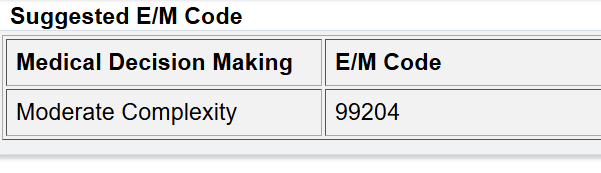
Step 4: Suggested E/M
Based on information entered, suggested E/M will be displayed.
Step 5: Clear or print worksheet
You may clear the worksheet or print the worksheet.

Please review the Evaluation and management services webpage for more information.